Voca / Made for curious learners

Snap the words.
Make them stick.

Take a photo to find unfamiliar English words. Build confidence with six ways to practice, or print words and exercises for pencil-and-paper learning.

  • Photo to word book
  • 6 practice activities
  • A4 & US Letter
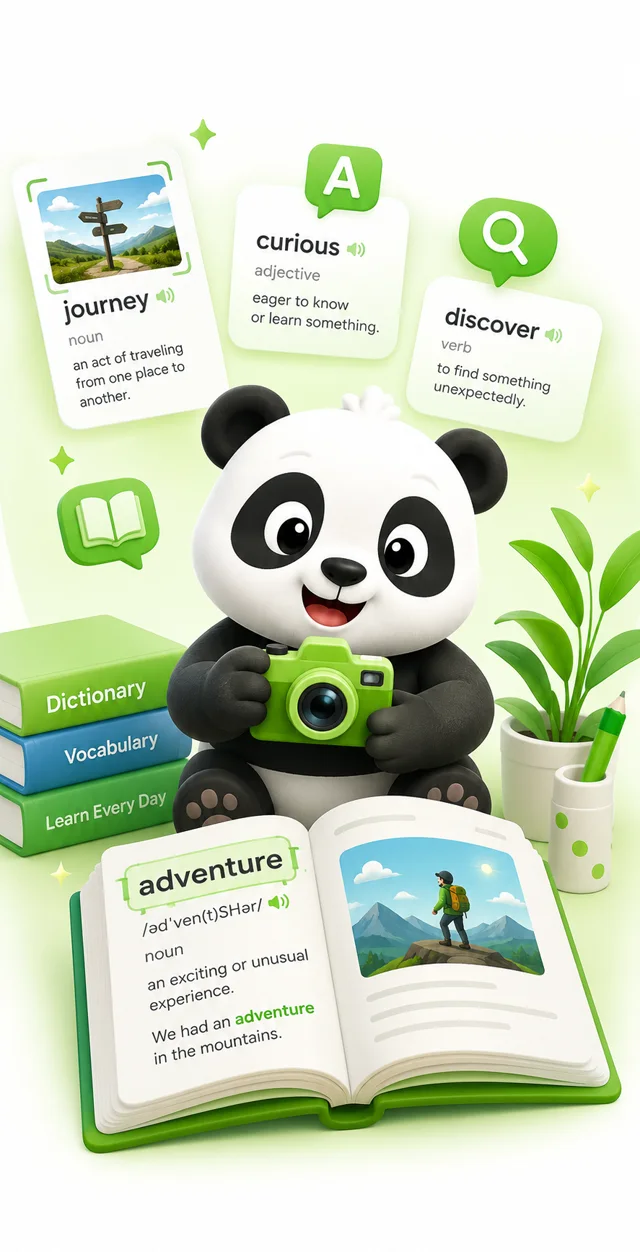
Voca vocabulary learning illustration with a panda, word cards, and an open book
Parents / Students / Teachers

Real words. Real learning moments.

From reading together at home to preparing a classroom handout, start with the words that matter to you.

For parents

Keep the words. Put the screen away.

The everyday challengeI want to save the words my child struggles with and help them practice later, without adding more screen time.

How Voca helpsTake a photo of the page you are reading together, save unfamiliar words, and print a word list or practice worksheet. Your child can revisit the vocabulary on paper while you keep the collection in Voca.

A short scan for you. Pencil-and-paper practice for your child.

See paper practice
For students

Make the words you miss your next win.

The everyday challengeI keep forgetting the same words. I want a place to collect them and more ways to practice than reading a list.

How Voca helpsSave words you miss in reading or homework to your word book. Try flashcards, meaning questions, listening, and sentence activities. Mark a word as forgotten or difficult during flashcard review so it comes back for another review.

Your own vocabulary collection, with six ways to work on it.

Explore the six activities
For teachers

Turn vocabulary into a classroom handout.

The everyday challengeI want vocabulary practice for my students, without spending my evening laying out another worksheet.

How Voca helpsCapture vocabulary from lesson material and save it in Voca. Export a word list or print the daily practice exercises, choosing the activity types you need. Use US Letter or A4, then print, save, or share the PDF for a lesson or homework.

Less worksheet formatting. More time to teach.

See printing options
The Voca essentials

Capture. Practice. Print.

One collection of words, with more ways to learn them.

Find unfamiliar words in a photo

Photograph a book page or worksheet, or choose an existing image. Voca identifies vocabulary from the text so you can save the words you want to learn without typing a list.

Practice in more than one way

Go beyond looking up a definition. Six activities help you recall meanings, listen, complete sentences, and use your saved words, with three difficulty levels to choose from.

Take learning off the screen

Designed with children and family learning in mind. Print word lists and exercises on A4 or US Letter paper so practice can happen with a pencil, not another screen.

Six ways to practice

More than memorizing a list.

Recall, listen, and use words in sentences. Choose from three difficulty levels and build confidence one short session at a time.

01

Flashcards

Recall a word before revealing it, then mark how well you remember it: forgotten, difficult, or understood.

02

Multiple choice

Choose the best meaning and check whether you really understand a word.

03

Fill in the blank

Complete a sentence with the right word and practice meaning in context.

04

Listening

Hear a word, then identify it among similar-sounding choices.

05

Confused words

Work on tricky word pairs that are easy to mix up.

06

Sentence builder

Put words in order to build a sentence and practice how vocabulary fits together.

Made for pencil-and-paper time

A little screen time.
A lot of paper practice.

Children can learn away from a device, and teachers can prepare a handout without rebuilding it from scratch. Voca helps you get the vocabulary onto paper, then put the phone aside.

  • Word lists and exercises. Print a word book or choose which activity types to include in your daily practice export.
  • A4 or US Letter. Pick the page size that works at home or in your classroom.
  • Preview, print, save, or share. Create a PDF to use now or keep for another study session.

A screen-light routine means more learning on paper, not a medical promise about eyesight.

Adults manage the app and accounts; children use the printed materials. See our adult-managed use policy.

Voca / Vocabulary practiceExample activity

Today's word: curious

Adjective / eager to know or learn something

Fill in the blank

The   child asked how rainbows form.

Sentence builder

child / curious / The / questions. / asks

Illustrative worksheet. Actual exercises and layouts vary.

How to use Voca

From a reading moment to a learning routine.

STEP 01

Snap and save

Take a photo or choose an image of English text. Review the identified vocabulary and save unfamiliar words to your word book.

STEP 02

Choose a way to practice

Open Practice, choose a difficulty level, and try an activity. Use flashcards to tell Voca which words feel easy and which need another review.

STEP 03

Print for later

Use the print option in Words or Practice. Choose A4 or US Letter, preview the PDF, and print, save, or share it for study away from the screen.

Questions

Good to know.

How do I collect unfamiliar words from a photo?

Take a photo of English text or choose an existing image. Voca identifies vocabulary in the scan results. Review the results and save the words you want to learn to your word book.

Can my child practice without using a screen?

Yes. An adult manages the app and account to prepare and print word lists or practice exercises; children use the printed materials without an account. This gives families a way to reduce screen time during study; it is not a claim that the app prevents eye strain or protects eyesight.

What kinds of practice does Voca offer?

Voca has six activities: flashcards, multiple choice, fill in the blank, listening, confused words, and sentence builder. Choose from three difficulty levels to suit the learner.

Can teachers print US Letter worksheets?

Yes. Both word lists and practice exercises support US Letter and A4. In Practice, choose the activity types to include in the daily practice export. You can preview the PDF, then print, save, or share it.

How can I revisit words I keep forgetting?

Keep them in your word book and use flashcard review to mark words as forgotten or difficult. Voca schedules later reviews based on your responses. You can also filter your word book by Unfamiliar, Learning, or Mastered to see your progress.

Can I look up a word without taking a photo?

Yes. Direct dictionary search lets you look up a word you already know how to spell, without scanning an image.